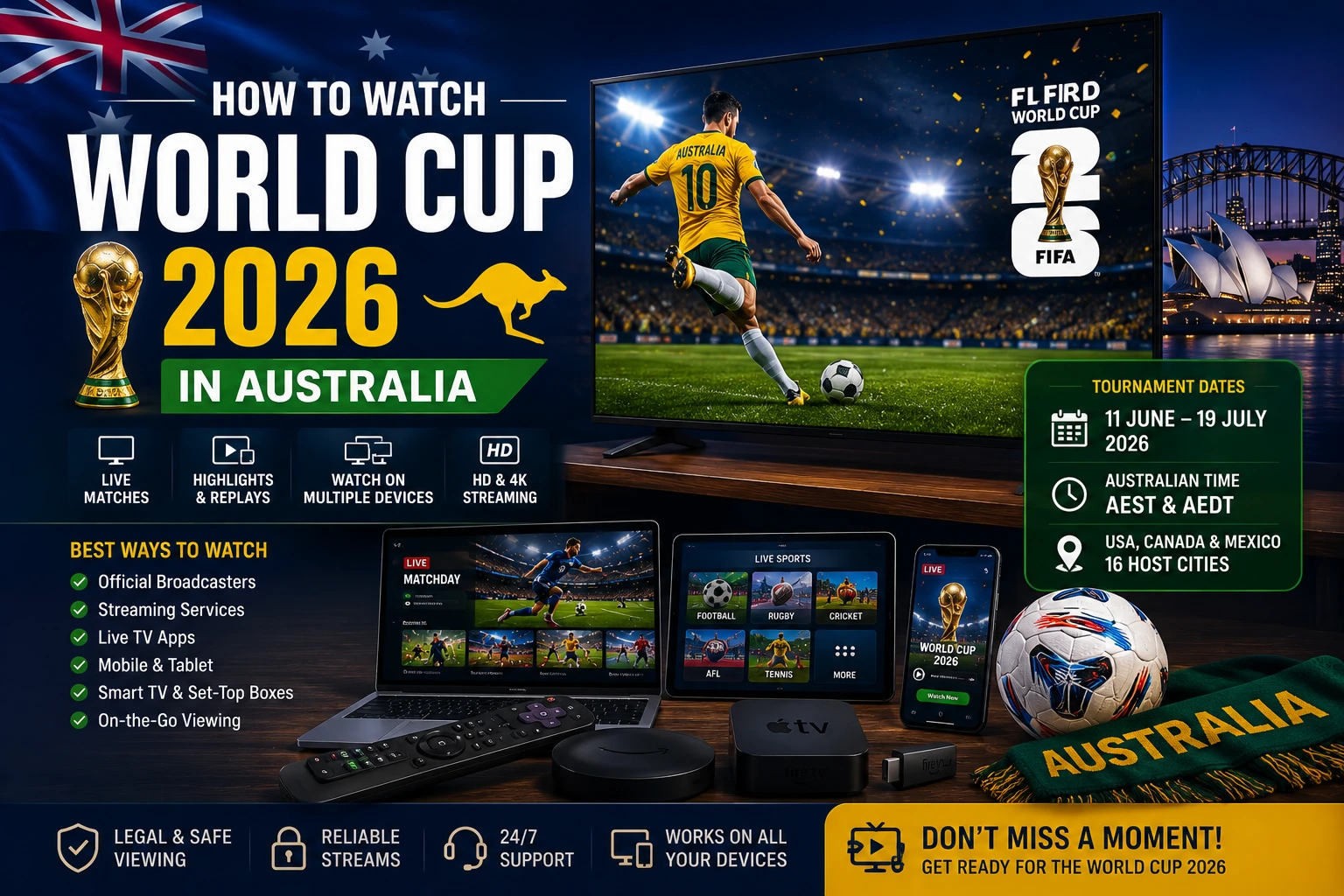
Quick answer for Australian viewers
If you are in Australia and want to watch World Cup 2026, start with the official local coverage from SBS and SBS On Demand. SBS is promoting live and free access to all 104 matches, with full replays, mini-matches and highlights available through its World Cup hub. That makes SBS the safest first stop before you think about any extra device, app or streaming setup.
The practical part is making sure your screen is ready. A modern Smart TV can usually run SBS On Demand directly. If your television is older or slow, an external device such as Amazon Fire TV, Apple TV, Google TV Streamer or another supported platform may give you a smoother experience. For laptops, tablets and phones, the simplest plan is to sign in early, test playback and avoid solving account problems five minutes before kickoff.
Try OzViewTV Free for 12 Hours First
Test OzViewTV on your Smart TV, Fire TV, Android TV, phone or tablet. Check the channels, streaming quality and setup first, then choose a plan only if it works well for you.
Official World Cup 2026 coverage in Australia
For Australian fans, the most important detail is that SBS is the main official viewing destination. SBS On Demand has a dedicated World Cup 2026 hub for live matches, full replays, mini-matches and highlights. FIFA also maintains the official tournament fixture centre, which is useful for checking match dates, venues and knockout progression as the tournament moves forward.
This matters because World Cup information changes quickly. Group results affect knockout paths, broadcast pages get updated, and highlights may be added after full-time. Instead of relying on screenshots from social media or old fixture lists, bookmark the official SBS and FIFA pages and check them when planning your week.
For a more Australia-specific tournament overview, you can also read our Socceroos match times and SBS On Demand guide. That article focuses more on Australian fixtures and time-zone planning, while this guide focuses on setup, devices and stream reliability.
Best way to watch on a Smart TV
A Smart TV is usually the easiest way to watch. You get the match on the big screen, you can use your normal remote, and you do not need extra cables if the app is supported. The first step is to open your TV app store and search for the official SBS On Demand app. Install it, sign in, then test a replay or live stream.
Do not assume the app will work just because the TV connects to Wi-Fi. Some older Smart TVs lose app support over time, and some models can feel slow during live events. If the menus lag, the app crashes, or the video freezes repeatedly, update the TV software and restart the television. If the app is still unreliable, an external streaming device may be the cleaner solution.
Smart TV preparation checklist
- Update your TV software before the tournament gets busy.
- Install or update the official SBS On Demand app.
- Sign in and save the account before match day.
- Play a replay for at least five minutes to test stability.
- Check your soundbar or Bluetooth audio for delay.
- Use Ethernet or strong 5 GHz Wi-Fi if possible.
If your main problem is app choice rather than World Cup coverage, our Australian Smart TV streaming apps guide explains the common official apps and what they are useful for.
Watching on Amazon Firestick in Australia
Firestick is useful when your television is still good but the built-in Smart TV system is old. Instead of replacing the entire screen, you plug the Firestick into HDMI, connect it to Wi-Fi and install apps from the Amazon Appstore. SBS has a help page explaining how to access and sign into SBS On Demand on Amazon Fire TV devices, and its device list includes Fire OS support requirements.
For World Cup viewing, the most important Firestick checks are storage, Wi-Fi and heat. A Firestick with almost no free space can run slowly. A device hidden tightly behind a TV can also get warm and lose Wi-Fi strength. Remove unused apps, restart the device and use the HDMI extender if it improves signal or ventilation.
Firestick preparation checklist
- Update Fire OS from the settings menu.
- Install SBS On Demand from the official Amazon Appstore.
- Remove apps you no longer use.
- Restart the Firestick before important matches.
- Use a strong 5 GHz Wi-Fi signal if the router is close.
- Keep the device ventilated behind the TV.
For a deeper step-by-step setup, use our Fire TV Stick setup guide for Australia.
Watching on mobile, tablet or laptop
Mobile and browser viewing are good backup options. A phone or tablet is useful if another person is using the main TV, if you are travelling inside Australia, or if you want to watch highlights away from the living room. A laptop is also handy because browsers are easy to update and can be connected to a larger monitor if needed.
The main warning is data usage. Live football at high quality can use a lot of mobile data. If you are not on home Wi-Fi, check your mobile plan before watching a full match. Also keep your charger nearby, because long live events can drain a battery quickly.
If you want a safer match-day setup, prepare two devices: your main TV for live viewing and a phone or laptop as a backup. If the TV app freezes at kickoff, you can switch screens while you restart the main device.
How fast does your internet need to be?
Live sport does not only need speed; it needs consistency. A movie can buffer ahead, but a live football match must stay close to real time. That means short Wi-Fi drops, router congestion or background downloads can cause stutters even when your internet plan sounds fast on paper.
For one HD stream, most Australian home connections should be enough when the Wi-Fi is stable. Problems start when the TV is far from the router, several people are streaming at once, a game console is downloading updates, or cloud backups are running in the background. Before an important match, pause heavy downloads and give the TV or streaming device the best connection in the house.
| Problem | Likely cause | Quick fix |
|---|---|---|
| Picture drops quality | Unstable Wi-Fi | Move closer to the router or use Ethernet |
| App freezes | Old app or device memory issue | Update the app, restart the device |
| Stream buffers every few minutes | Network congestion | Pause downloads and reduce other streams |
| Audio delay | Bluetooth or soundbar sync | Check audio delay settings or use TV speakers |
| App not available | Unsupported old Smart TV | Use a supported external streaming device |
For a full troubleshooting order, read our Australian NBN and Wi-Fi buffering guide.
Time-zone planning for Australian fans
Because World Cup 2026 is hosted across North America, Australian viewers need to pay attention to kick-off times. Some matches may fall in the morning, some around midday, and some at less comfortable hours depending on the venue and stage. This is where replays, mini-matches and highlights become important.
Before the match you care about, check the schedule from SBS or FIFA, then decide whether you will watch live or on demand. If you want to avoid spoilers, turn off score notifications, avoid social media and go straight to the replay page when you wake up.
Should you use IPTV apps for World Cup viewing?
Many people search for IPTV apps because they want one place to organise live TV, sports channels and international content. IPTV itself is just a delivery method: television over internet protocol. The important part is whether the content source is legitimate and whether you have the right to access it.
For World Cup 2026 in Australia, official SBS coverage should be the first reference. IPTV-style apps may still be useful for organising permitted channels, personal media or other legitimate streams, but they should not replace official rights-based coverage where that coverage is clearly available.
Be careful with unknown apps that promise unrealistic access, ask for unnecessary permissions or come from unofficial download pages. Stick to official app stores where possible, keep your devices updated and avoid entering personal information into apps you do not trust.
Best setup by device type
For modern Smart TVs
Install SBS On Demand directly, sign in and test the stream. This is the cleanest setup if your TV model is supported and the app runs smoothly.
For older TVs
Use an external streaming device. Firestick, Apple TV, Google TV-style devices and similar platforms can give older screens access to newer apps.
For shared homes
Use the main TV for live matches and keep a backup phone or laptop ready. Make sure other household devices are not downloading large files during kickoff.
For replay viewers
Use SBS On Demand replays or highlights when available. Avoid notifications and social media if you do not want the result spoiled.
For mobile viewers
Use Wi-Fi when possible, charge your device and check mobile data limits before watching a full match away from home.
Final pre-match checklist
- Confirm the match time using SBS or FIFA.
- Choose your main screen: Smart TV, Firestick, laptop, tablet or phone.
- Install and update SBS On Demand where supported.
- Sign in before match day.
- Test playback with a replay or live channel.
- Restart the router if the connection has been unstable.
- Pause downloads, game updates and cloud backups.
- Prepare a backup device for important matches.
These steps are simple, but they prevent most last-minute problems. The best streaming setup is not always the most expensive one. It is the one you have already tested before the match starts.
Related OzViewTV guides
- World Cup 2026 Australia: Socceroos times and SBS setup
- How to watch SBS On Demand on Smart TV in Australia
- Fire TV Stick setup guide for Australia
- How to fix streaming buffering on Australian NBN and Wi-Fi
- Live sports viewing guide for Australia
Official and useful sources
- SBS On Demand: FIFA World Cup 2026 hub
- FIFA: World Cup 2026 scores and fixtures
- SBS Help: supported devices
- SBS Help: Firestick sign-in guide
Frequently asked questions
Where can Australians watch World Cup 2026?
Australian viewers can use SBS, SBS VICELAND and SBS On Demand for official tournament coverage, including live matches, replays and highlights.
Can I watch World Cup 2026 on Firestick?
Yes. The SBS On Demand app is available for supported Amazon Fire TV devices. Install it from the Amazon Appstore, sign in and test playback before match day.
Does SBS On Demand work on Samsung, LG and Hisense TVs?
SBS lists support for many Smart TVs, including Samsung and LG models from 2017 onward and Hisense models from 2021 onward. Exact support depends on the model and software version.
Why does live football buffer on my Smart TV?
Common causes include weak Wi-Fi, router congestion, an outdated app, old TV software, low device storage or several people using the internet heavily at the same time.
Is an IPTV app required for the World Cup in Australia?
No. Official SBS coverage should be your first option. IPTV-style apps should only be used for legitimate sources and responsible device organisation.
What is the best backup device for match day?
A phone, tablet or laptop is a good backup because it can quickly open a browser or official app if your main TV app freezes.
Try OzViewTV Free for 12 Hours First
Test OzViewTV on your Smart TV, Fire TV, Android TV, phone or tablet. Check the channels, streaming quality and setup first, then choose a plan only if it works well for you.
Need help preparing your device?
Tell OzViewTV your TV model, streaming device and internet setup. We can guide you through basic app setup and buffering checks.
WhatsApp OzViewTV