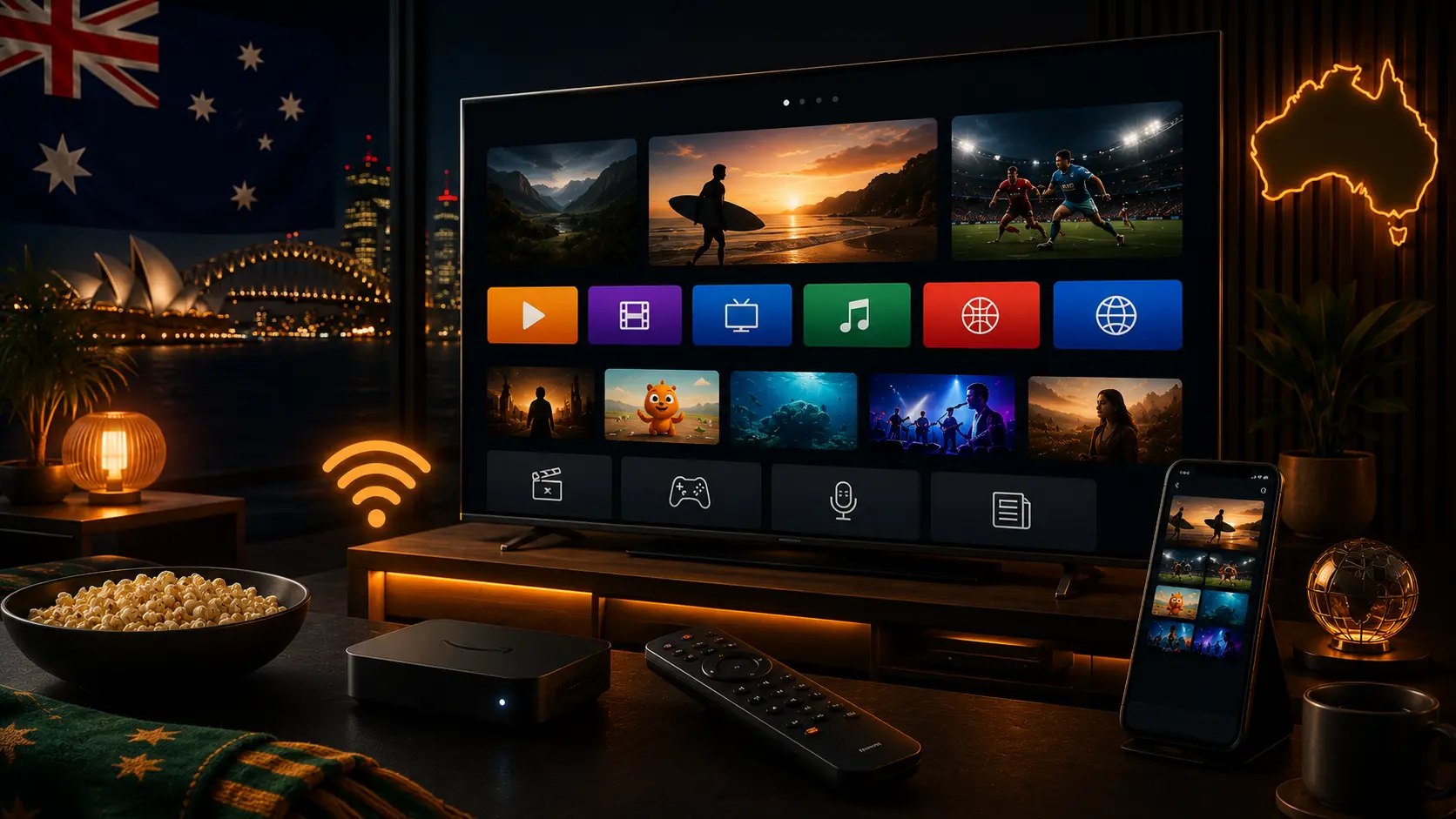
How to choose a Smart TV app
Choose an app because it carries the content you watch and supports your television, not because it promises the largest library. Official Australian apps provide clearer privacy, support and billing information than unverified services.
SBS On Demand
SBS On Demand provides free films, series, documentaries, news, live channels and sport. It supports a broad range of Smart TVs and external devices. It is especially useful for multicultural programming and major SBS sports rights such as World Cup coverage.
Try OzViewTV Free for 12 Hours First
Test OzViewTV on your Smart TV, Fire TV, Android TV, phone or tablet. Check the channels, streaming quality and setup first, then choose a plan only if it works well for you.
ABC iview
ABC iview is the ABC's free 24/7 streaming service for live channels and catch-up programmes. The ABC lists support for Samsung TVs from 2016, LG TVs from 2014, Hisense models, Apple TV, Android TV, Fire TV, Google TV, Fetch, Foxtel iQ, Hubbl and other supported platforms. An ABC Account is required for viewing.
7plus
7plus provides Channel Seven programmes, live channels and selected sports. Its official support page lists Android TV, Google TV, LG, Samsung, Sony, VIDAA, Apple TV, Chromecast with Google TV, Fetch, Foxtel iQ, Hubbl, Amazon Fire Stick, mobile devices, browsers and PlayStation.
9Now
9Now provides Nine network live channels and on-demand programmes. On Android TV, install the official app through Google Play. Smart TV linking uses a short activation code entered through the official Nine account.
Other official apps
Australian viewers may also use 10, sports services, subscription entertainment apps and provider platforms. Device support, pricing and rights change, so check the official provider page before subscribing.
Quick comparison
| App | Best use | Account | Device check |
|---|---|---|---|
| SBS On Demand | SBS live channels, films, documentaries and sport | Free SBS account | Check current SBS device list |
| ABC iview | ABC live channels and catch-up | ABC Account required | Model and OS requirements apply |
| 7plus | Seven programmes, live TV and selected sport | 7plus account | Broad Smart TV and Fire TV support |
| 9Now | Nine programmes and live channels | Nine account | Use the official TV activation code |
Check compatibility before subscribing
- Find the full television model number.
- Check the operating-system version.
- Search the official app store.
- Read the provider's supported-device page.
- Confirm that the app is available in Australia.
When an external device is better
An older television may have a good screen but outdated apps. A current Fire TV, Apple TV or Google TV device can be a more economical upgrade. Use official app stores and avoid generic boxes that advertise unauthorised access to every channel.
Keep apps and the television fast
- Remove apps no one uses.
- Install firmware and app updates.
- Restart the television when menus become slow.
- Keep storage available.
- Use Ethernet or strong Wi-Fi.
Account safety
- Use unique passwords.
- Enter activation codes only on official websites.
- Do not provide card details when a free service should not request them.
- Review recurring subscriptions.
- Sign out on shared or sold devices.
Related Australian guides
Official sources
Frequently asked questions
Which free Australian streaming apps should I install first?
SBS On Demand, ABC iview, 7plus and 9Now cover a broad range of Australian free-to-air content.
Do all apps work on every Smart TV?
No. Support depends on brand, model year, operating system and region.
Is ABC iview free?
Yes. ABC iview is free and requires an ABC Account for viewing.
Can I use 7plus on Fire TV?
Yes. 7plus lists Amazon Fire Stick among supported devices.
What should I do with an old TV?
Use a supported Fire TV, Apple TV, Google TV or other current streaming device instead of installing unknown files.
How do I keep the TV fast?
Remove unused apps, update software, restart the television and keep free storage available.
Try OzViewTV Free for 12 Hours First
Test OzViewTV on your Smart TV, Fire TV, Android TV, phone or tablet. Check the channels, streaming quality and setup first, then choose a plan only if it works well for you.
Need help preparing your device?
Tell OzViewTV your television or streaming-device model, the official app you use and whether the connection is Ethernet or Wi-Fi.
Contact OzViewTV