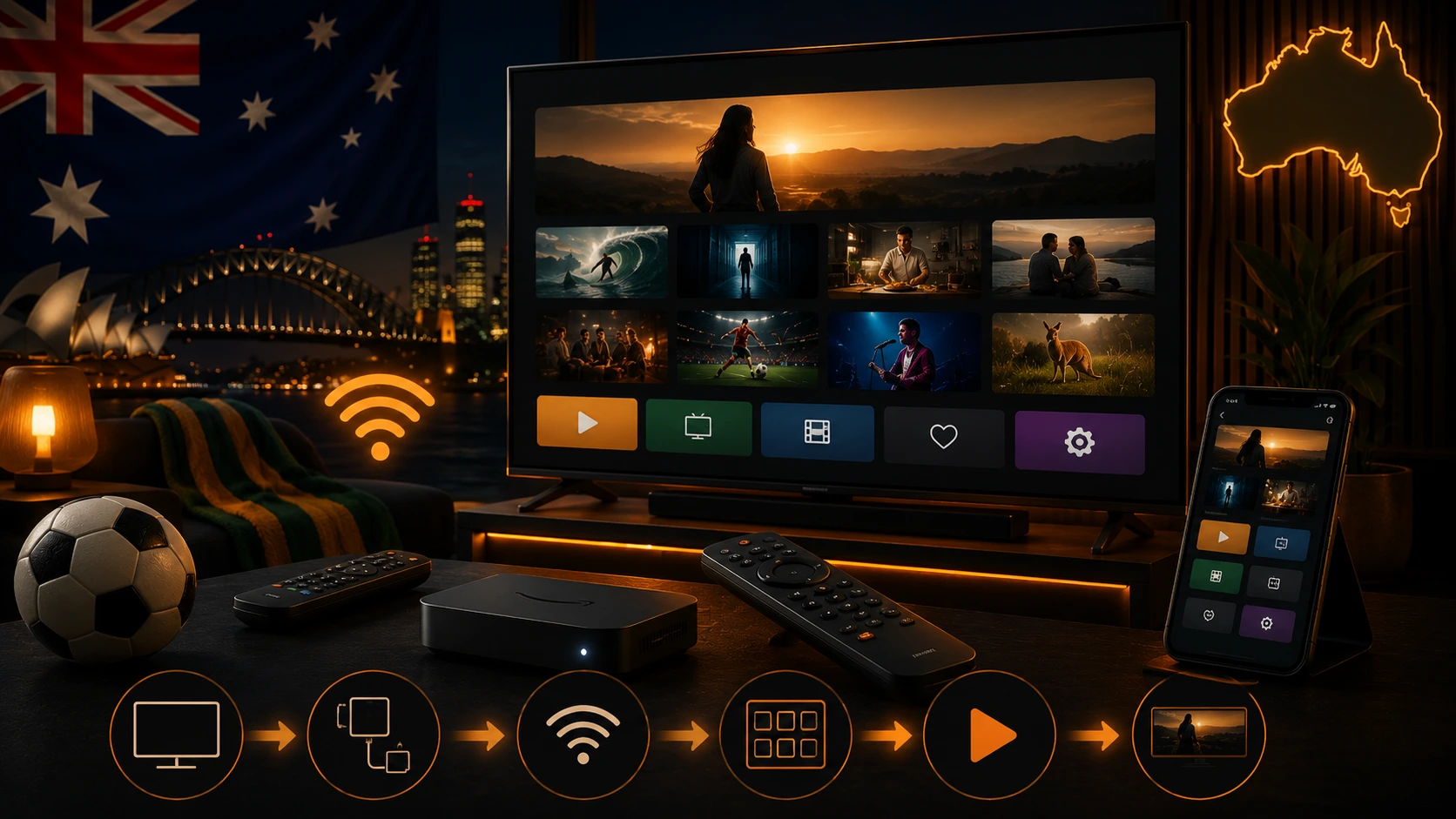
What SBS On Demand is
SBS On Demand is the free streaming platform from Australia's multicultural national broadcaster. It offers live channels, films, series, documentaries, news and sport. A free SBS account is used for personalisation, favourites and device linking.
Check whether your television is supported
SBS publishes a current device list. At the time of writing, it includes Samsung and LG televisions from 2017, Hisense televisions from 2021, Apple TV 4th generation and later, selected Android TV devices, Fire TV, Google TV Streamer, Fetch, Foxtel iQ and Hubbl. Always check the exact model before purchasing hardware.
Install SBS On Demand on Samsung TV
- Press Home on the Samsung remote.
- Open Apps.
- Search for SBS On Demand.
- Select the official application.
- Choose Install, then Add to Home.
- Open the app and follow the sign-in instructions.
Install SBS On Demand on LG TV
- Open the LG Content Store.
- Search for SBS On Demand.
- Install or update the official app.
- Restart the television if the app does not appear immediately.
- Open the app and link the account.
Try OzViewTV Free for 12 Hours First
Test OzViewTV on your Smart TV, Fire TV, Android TV, phone or tablet. Check the channels, streaming quality and setup first, then choose a plan only if it works well for you.
Install SBS On Demand on Hisense TV
Open the VIDAA app store and search for SBS On Demand. SBS lists supported Hisense models from 2021. If the app is missing, identify the full model number and check the SBS help page before changing region settings.
Link the television with a QR code
- Open SBS On Demand on the television.
- Select Sign In.
- Scan the QR code with a phone, or enter the displayed link in a browser.
- Sign in to the official SBS account.
- Confirm the television link.
Use only the official SBS website. A legitimate SBS account flow should not send you to an unrelated payment page. If the code expires, return to the television and generate a fresh code.
Fire TV, Google TV and Apple TV
On Fire TV, open the Amazon Appstore, search for SBS On Demand and choose Get. On Google TV or Android TV, use Google Play. On Apple TV, use the Apple App Store. Keep the operating system updated and use the original power supply for streaming sticks.
Watching live channels
Live streams are more sensitive to Wi-Fi instability than on-demand programmes. Open a live channel before an important event and check the audio, picture and account. If on-demand video works but live video freezes, test Ethernet or a stronger Wi-Fi signal.
Common problems
The app is missing
- Confirm the device model and year.
- Update the television software.
- Check that the account region is Australia.
- Use a supported external device if the TV is too old.
The app opens and closes
Restart the TV, free storage, update the app and reinstall it from the official store. Avoid factory resetting the television until simpler steps fail.
The video buffers
Use Ethernet, move closer to the router, select 5 GHz Wi-Fi and pause downloads. Read our Australian buffering guide.
Audio is delayed
Test the TV speakers. Bluetooth devices can add latency. Use an HDMI soundbar or adjust the TV audio delay only after isolating the cause.
Using SBS On Demand on mobile and browser
The service is available on supported phones, tablets and browsers. Keep the mobile app signed in as a backup for major events. If browser playback fails, update the browser and allow protected media and necessary cookies.
Account and privacy tips
- Use a unique password.
- Do not share one-time codes.
- Sign out before selling a television.
- Review registered devices where available.
- Install only official apps.
Related Australian guides
Official sources
Frequently asked questions
Is SBS On Demand free?
Yes. SBS On Demand provides free streaming in Australia, with account sign-in and advertising.
Which Samsung TVs are supported?
SBS currently lists Samsung televisions from 2017 and later.
Which LG TVs are supported?
SBS currently lists LG televisions from 2017 and later.
Can I use Fire TV?
Yes, supported Fire TV devices are listed by SBS. Install the app from the Amazon Appstore.
Why is the QR code not working?
Generate a fresh code, confirm that the TV and phone are online, use the official SBS link and sign in with the correct account.
Can I watch outside Australia?
Content rights are regional. Availability outside Australia depends on the SBS terms and the programme.
Try OzViewTV Free for 12 Hours First
Test OzViewTV on your Smart TV, Fire TV, Android TV, phone or tablet. Check the channels, streaming quality and setup first, then choose a plan only if it works well for you.
Need help preparing your device?
Tell OzViewTV your television or streaming-device model, the official app you use and whether the connection is Ethernet or Wi-Fi.
Contact OzViewTV