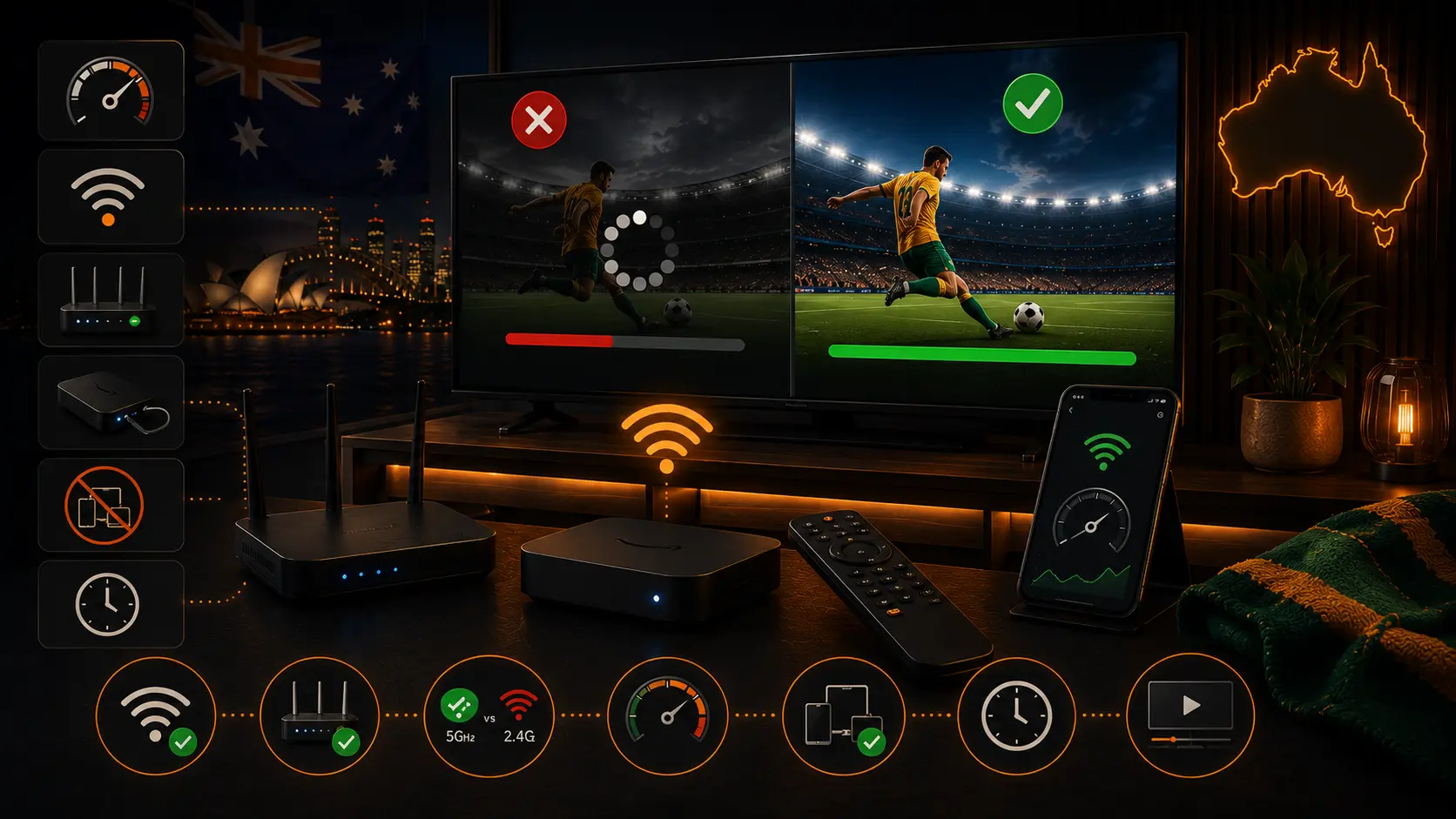
Separate the service, device and network
Play the same programme on another device connected to the same network. If every device buffers, investigate the router, NBN service or streaming platform. If only one television buffers, focus on that app, device and Wi-Fi signal.
Run the speed test where you watch
A test next to the router does not represent the TV in another room. Run a test on the television device or stand beside it with a phone connected to the same Wi-Fi band. Repeat the test rather than relying on one peak.
Test Ethernet
Connect the television or streaming box directly to the router. If buffering disappears, the NBN plan is probably adequate and the local Wi-Fi needs improvement.
Improve router placement
- Place the router in an open and elevated position.
- Keep it away from metal cabinets, microwaves and dense obstacles.
- Do not hide it behind the TV.
- Keep firmware current.
NBN Co recommends optimising the in-home setup and notes that mesh systems can improve coverage in larger homes.
Try OzViewTV Free for 12 Hours First
Test OzViewTV on your Smart TV, Fire TV, Android TV, phone or tablet. Check the channels, streaming quality and setup first, then choose a plan only if it works well for you.
Use mesh Wi-Fi correctly
Place a mesh node where it still receives a strong signal, not inside the dead zone. Use Ethernet backhaul where practical and check which node the TV is actually connected to.
Choose the right Wi-Fi band
2.4 GHz reaches further but is often crowded. 5 GHz is faster at short range. 6 GHz can provide clean channels on Wi-Fi 6E or Wi-Fi 7 equipment but has shorter range and requires compatible devices.
Pause household traffic
- Game and operating-system updates
- Cloud photo backups
- Large uploads from work computers
- Multiple 4K streams
- Security-camera uploads
Update the streaming app and device
Install firmware and app updates before an important event. Remove unused apps and restart the television. On Android TV or Fire TV, clear the app cache before clearing app data, which usually signs the user out.
Lower quality temporarily
Select Auto or HD instead of forcing 4K. Stable HD is better than a higher resolution that freezes. When quality becomes stable, improve the network before increasing it again.
Fire TV power and heat
Use the supplied mains adapter. A low-power TV USB port can cause restarts and slow performance. Use an HDMI extender and allow airflow when the stick is hot behind the television.
Restart in the correct order
- Close the app.
- Restart the television or streaming device.
- Restart the router if the whole network is affected.
- Wait for the NBN connection to fully return.
- Test one stream before reconnecting heavy devices.
When to contact the retail service provider
NBN Co operates the wholesale network, while most households contact their retail service provider for faults. Collect wired speed tests, dates, times and status-light information. Contact the provider when multiple wired devices experience the same dropouts or speeds remain consistently below expectations.
Live sport and early-morning events
Live streams cannot build a large buffer without falling behind. Open the event early, pause updates and avoid changing router settings during the match. See our Australian live sports guide.
Ten-minute checklist
- Test a second device.
- Pause downloads.
- Restart the affected app and device.
- Switch to Ethernet or stronger 5 GHz Wi-Fi.
- Lower quality to Auto.
- Check updates.
- Test another official stream.
Official sources
Frequently asked questions
Why does streaming buffer with fast NBN?
The speed test may be near the router while the TV has weak signal, packet loss or interference.
Is Ethernet better than Wi-Fi?
For a fixed television, Ethernet is usually more stable and is the best diagnostic test.
Will mesh Wi-Fi solve buffering?
Only when nodes are correctly placed and have a strong wired or wireless backhaul.
Should I change DNS?
DNS can affect startup but usually does not fix weak Wi-Fi or insufficient bandwidth.
How do I test the NBN connection?
Test a wired device at the router, compare results at different times and record connection dropouts.
When should I contact my provider?
Contact the retail service provider when multiple wired devices have the same issue or the connection repeatedly drops.
Try OzViewTV Free for 12 Hours First
Test OzViewTV on your Smart TV, Fire TV, Android TV, phone or tablet. Check the channels, streaming quality and setup first, then choose a plan only if it works well for you.
Need help preparing your device?
Tell OzViewTV your television or streaming-device model, the official app you use and whether the connection is Ethernet or Wi-Fi.
Contact OzViewTV