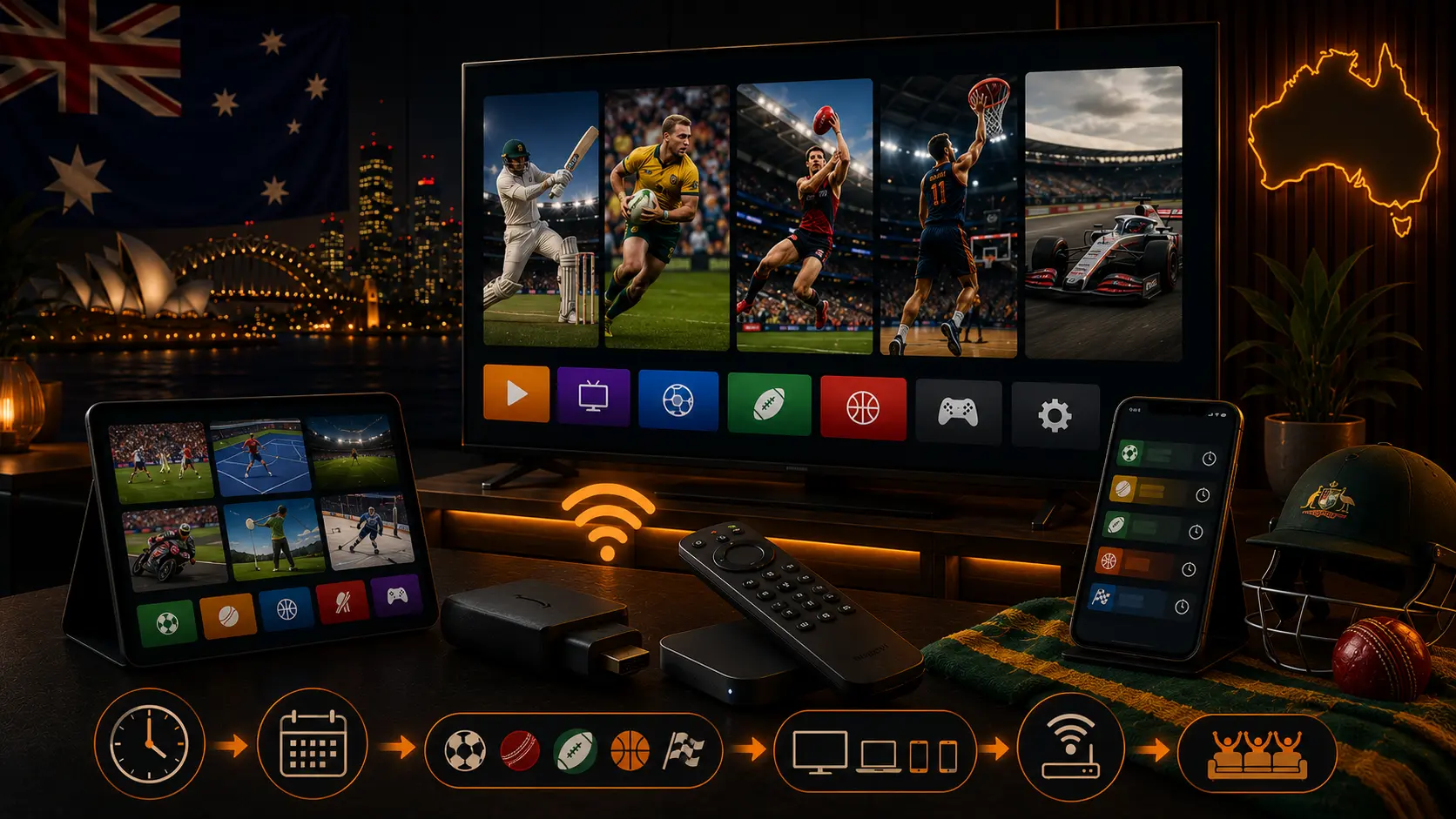
Start with the competition
Broadcast rights differ by sport, competition and season. Check the official competition and Australian broadcaster pages before paying for a subscription. An app that showed a league last year may not show it now.
Understand Australian time zones
- AEST: UTC+10.
- AEDT: UTC+11 during daylight saving in participating eastern states.
- ACST: UTC+9:30.
- ACDT: UTC+10:30 during South Australian daylight saving.
- AWST: UTC+8.
Queensland, Western Australia and the Northern Territory do not observe daylight saving. Always check the local city time, not only an AEST label.
Official app categories
Free broadcasters such as SBS, ABC, Seven and Nine provide selected sport through their official apps. Subscription platforms and pay-TV providers carry other competitions. Tournament rights can be separate from regular season rights.
Best devices for live sport
Smart TV
Simple and convenient when the official app supports the model.
Fire TV, Apple TV or Google TV
Useful for older televisions and often easier to keep updated.
Phone and tablet
Important as a backup, but high-quality mobile viewing can use several gigabytes.
Laptop
Useful with a supported browser and HDMI connection to a television.
Matchday checklist
- Confirm the local date, time and broadcaster.
- Open the official app and verify the subscription.
- Test live playback.
- Restart the TV or streaming device.
- Use Ethernet or strong 5 GHz Wi-Fi.
- Pause downloads.
- Check audio, captions and remote batteries.
- Open the event before coverage begins.
Try OzViewTV Free for 12 Hours First
Test OzViewTV on your Smart TV, Fire TV, Android TV, phone or tablet. Check the channels, streaming quality and setup first, then choose a plan only if it works well for you.
Early-morning viewing
Prepare the device before sleeping, set an alarm, keep headphones nearby and disable automatic updates. If the service offers a replay, decide before bed whether to watch live or avoid spoilers.
Replays and spoiler control
- Disable score notifications.
- Mute team and competition accounts.
- Avoid sports news homepages.
- Use a direct replay link.
- Watch mini-matches when time is limited.
Prevent buffering
Live sport is sensitive to packet loss. Use Ethernet where possible, strong Wi-Fi where necessary and Auto quality when the connection varies. For detailed steps, read our NBN and home Wi-Fi guide.
Audio and picture settings
Use moderate motion processing. Bluetooth audio can add delay, so test TV speakers or an HDMI soundbar. Do not force 4K when the official stream or network cannot maintain it.
Mobile data and travel
Check the data allowance, use Auto quality and keep the device charged. Hotel Wi-Fi may require browser authentication and may be congested. Regional content rights still apply when travelling.
Responsible viewing
Use authorised Australian services. Unverified streams may be unsafe, unreliable or unlawful. OzViewTV provides setup and troubleshooting guidance and does not guarantee access to a specific event.
Related Australian guides
Official sources
Frequently asked questions
What is the difference between AEST and AEDT?
AEST is UTC+10. AEDT is UTC+11 during daylight saving in participating states.
Does all of Australia use daylight saving?
No. Queensland, Western Australia and the Northern Territory do not use daylight saving.
Which app has every sport?
No single service permanently carries every sport. Rights differ by competition and season.
What is the best device for live sport?
A supported Smart TV or streaming box connected by Ethernet is usually the most stable.
How do I watch an early-morning replay without spoilers?
Disable notifications, avoid news and social media, and open the official replay directly.
Why does live sport buffer more?
Live video cannot build a large buffer without falling behind the action, so unstable Wi-Fi is more visible.
Try OzViewTV Free for 12 Hours First
Test OzViewTV on your Smart TV, Fire TV, Android TV, phone or tablet. Check the channels, streaming quality and setup first, then choose a plan only if it works well for you.
Need help preparing your device?
Tell OzViewTV your television or streaming-device model, the official app you use and whether the connection is Ethernet or Wi-Fi.
Contact OzViewTV