9Now Not Working on Smart TV? Australia Fix for Samsung, LG, Android TV and Fire TV
Fix 9Now app issues in Australia: Smart TV login, activation code, missing app, buffering, black screen and supported device checks. This guide is written for Australian viewers who want a practical device-first fix before changing subscriptions or replacing hardware.
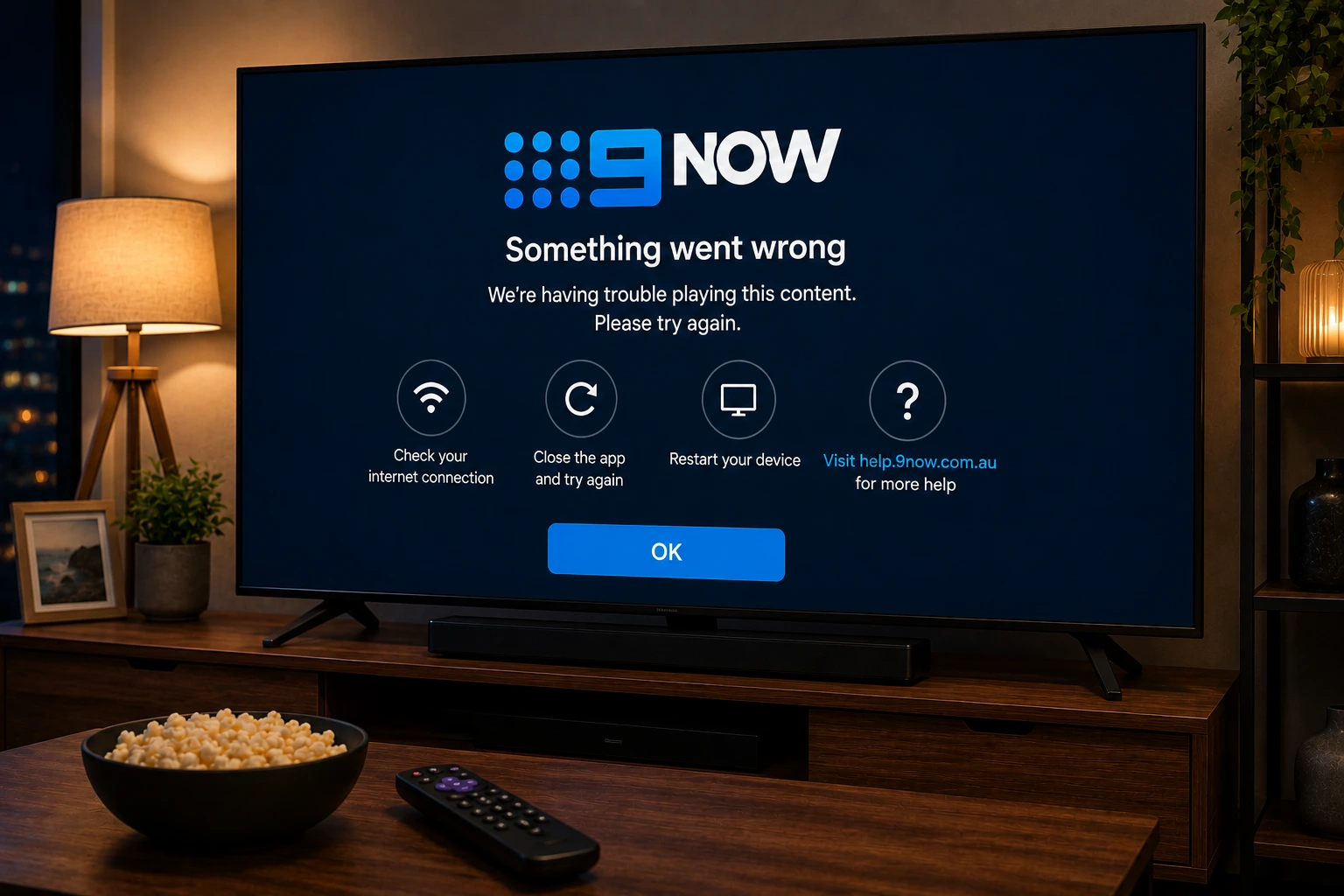
Why 9Now may not work on your TV
9Now gives Australian viewers access to Channel 9 live streams and on-demand content, but the app can fail for different reasons depending on the TV. The app may be missing from the store, the activation code may not complete, the live stream may buffer, or the screen may go black after login.
The first question is compatibility. 9Now lists support for many Smart TV and streaming platforms, but not every old model supports the current app. If your TV is too old, a supported streaming device can be easier than trying to force an old platform to work.
Check if your Smart TV supports 9Now
9Now support says Samsung Smart TV compatibility starts from 2018+ models. For other TVs, 9Now lists operating-system requirements such as Android TV or Google TV 7.0 or newer, webOS 4.0 or newer, VIDAA U4 or newer and other supported platforms. If your TV does not match those requirements, the app may not appear or may not work reliably.
Do not assume that a missing app means the internet is broken. It may simply mean your TV model or operating system is not supported.
- Check your TV model year and operating system.
- Update the TV firmware from the system settings.
- Search the official app store for 9Now.
- Try 9Now on a phone or browser to confirm the account works.
- Use a supported external streaming device if the TV is too old.
Test Your Device Before Match Night
Ask OzViewTV for a free test, check your Smart TV, Fire TV, Android TV, phone or tablet, then choose a plan only if the setup works well for you.
Fix the 9Now login and activation code
On Smart TVs, 9Now may ask you to log in and activate the TV with a code. Use a fresh code, follow the official 9Now TV login steps and avoid leaving the code screen open too long before entering it. If the code fails, close the app, reopen it and generate a new code.
If the login page fails on your phone or laptop, try a different browser, turn off extensions that block scripts, and make sure you are not using an old saved session.
Fix 9Now black screen or stuck loading
A black screen usually means the app opens but playback fails. Restart the TV, update the app, test another 9Now programme and then try the live stream again. If only one live channel fails, the issue may be temporary or rights-related. If all videos fail, focus on app updates, account login and home Wi-Fi.
On Android TV or Google TV, you can also clear app cache, restart the device and reinstall the app if the issue continues.
Fix buffering on NBN and home Wi-Fi
A 9Now stream can buffer even when your internet plan is fast. The TV might be far from the router, another device may be downloading updates, or the router may be overloaded during a live event. Use Ethernet or 5 GHz Wi-Fi where possible and restart the router earlier in the day if it has been unstable.
For live sport or major shows, open the app before the event starts. This gives you time to sign in, update the app and change devices if the main TV fails.
Fire TV and Android TV notes
9Now lists Amazon Fire TV and Android TV among ways to watch. If you use a Fire TV Stick, check storage space, restart the device and update the app before deleting anything. On Android TV, check Play Store updates and the device time settings because wrong time or region settings can interfere with app login.
Safer Australian streaming setup
Use official 9Now apps and official support pages for account and availability issues. Avoid random APKs or fake live TV sites that ask for personal details or payment to “activate” a free app. OzViewTV can help you prepare the device and home network, but it is not an official Nine service.
Official pages to check
For account, subscription, rights, device and app availability questions, always confirm details with the official service before making major device changes.
Frequently asked questions
Why is 9Now not working on my Smart TV?
It may be caused by an unsupported TV model, outdated app software, failed activation, weak Wi-Fi, app cache or temporary service issues.
Which Samsung TVs support 9Now?
9Now support says the app is compatible with Samsung Smart TV models from 2018 onwards.
Why can’t I find 9Now on Android TV?
Search the Google Play Store from the Android TV home screen and make sure your device uses a supported Android TV or Google TV version.
How do I log in to 9Now on my TV?
Open 9Now, select a show or live channel, choose log in and follow the activation code instructions shown on the TV.
Is OzViewTV official 9Now support?
No. OzViewTV is an independent guide. Use official 9Now support for account, rights and service issues.
Need Help Checking Your Device?
Message OzViewTV on WhatsApp with your device model and the app that is failing. We can help you check your setup before choosing a plan.